-
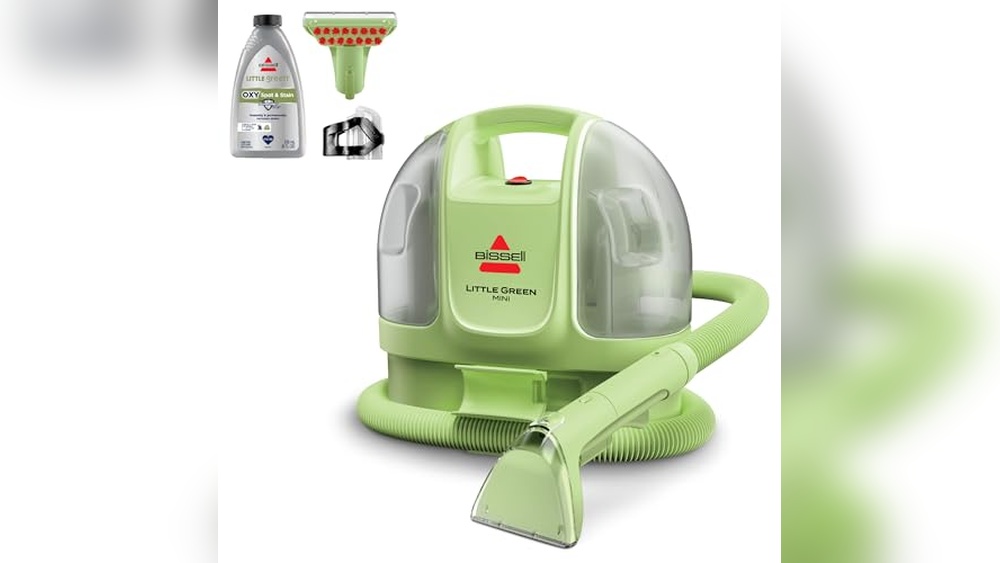
BISSELL Little Green Mini Portable Carpet Cleaner: Ultimate Car Detailer Review
BISSELL Little Green Mini Portable Carpet and Upholstery Deep Cleaner, Car/Auto Detailer, with HydroRinse Self-Cleaning Tool and 4″ Tough Stain Tool, Tea Green, 4075 Brand: BISSELL Model: 4075 Weight: 7.0 pounds Dimensions: 12.13 x 13.5 x 10.0 inches Color: Tea Green Cleaning Tools Included: 4″ Tough Stain Tool, HydroRinse Self-Cleaning Hose Tool Cleaning Capacity:…
-
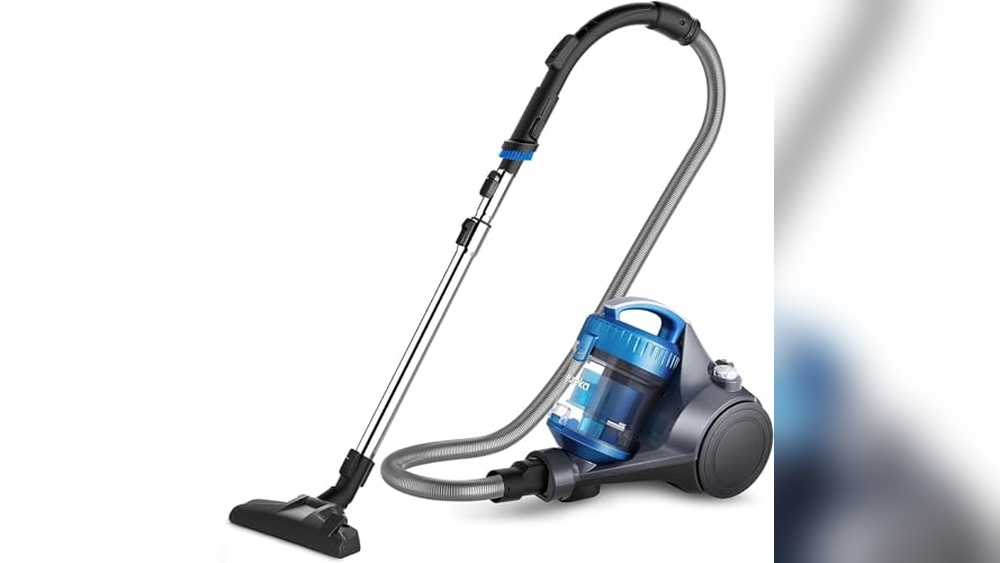
Eureka WhirlWind Bagless Canister 2.5L Vacuum Cleaner Review: Lightweight Power
Eureka WhirlWind Bagless Canister 2.5L Vacuum Cleaner, Lightweight Vac for Carpets and Hard Floors, NEN110A, Blue Brand: Eureka Model: NEN110A Power Consumption: 960 Watts Dust Capacity: 2.5 Liters (Bagless) Weight: 8.15 pounds Suitable Surfaces: Carpets, Upholstery, Hard Floors Filter Type: Washable, No Replacement Needed Special Features: Integrated Airflow Control, 2-in-1 Crevice Tool, Swivel Steering,…
-
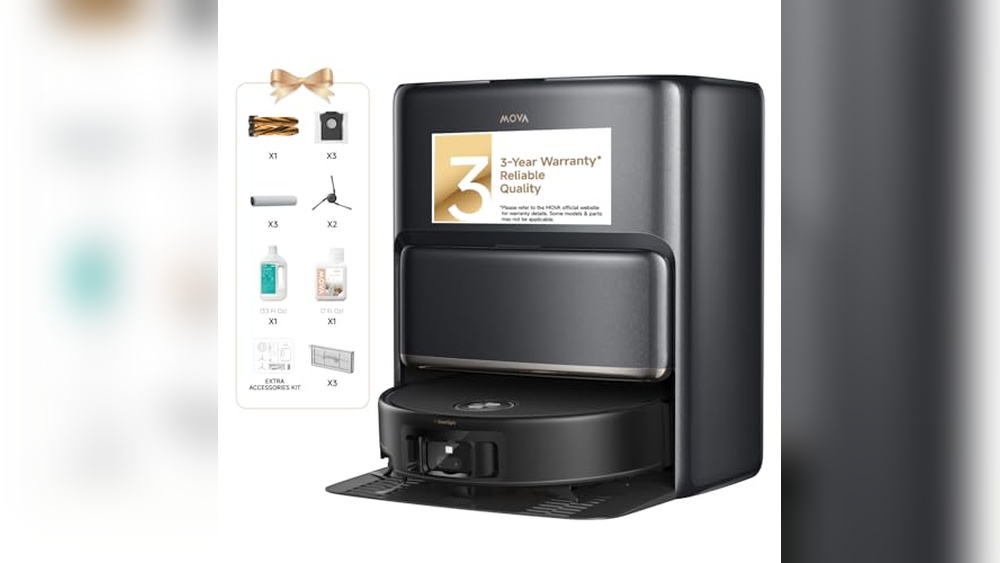
MOVA Z60 Ultra Roller Robot Vacuum and Mop: Powerful 28,000Pa Suction Review
MOVA Z60 Ultra Roller Complete Robot Vacuum and Mop, 28,000Pa Suction, Roller Real-Time Flutting Self-Washing, Auto Carpet Shield, Extendable for Edge Cleaning, Anti-tangle DuoBrush, Care-Free Station Suction Power: 28,000Pa Ultra Suction Brush Type: Anti-tangle DuoBrush Rollers Mop System: HydroForce Real-Time Mop Washing with 12-Nozzle Rinse Carpet Protection: AutoShield Carpet Moisture Shield and Mop Lift…
-
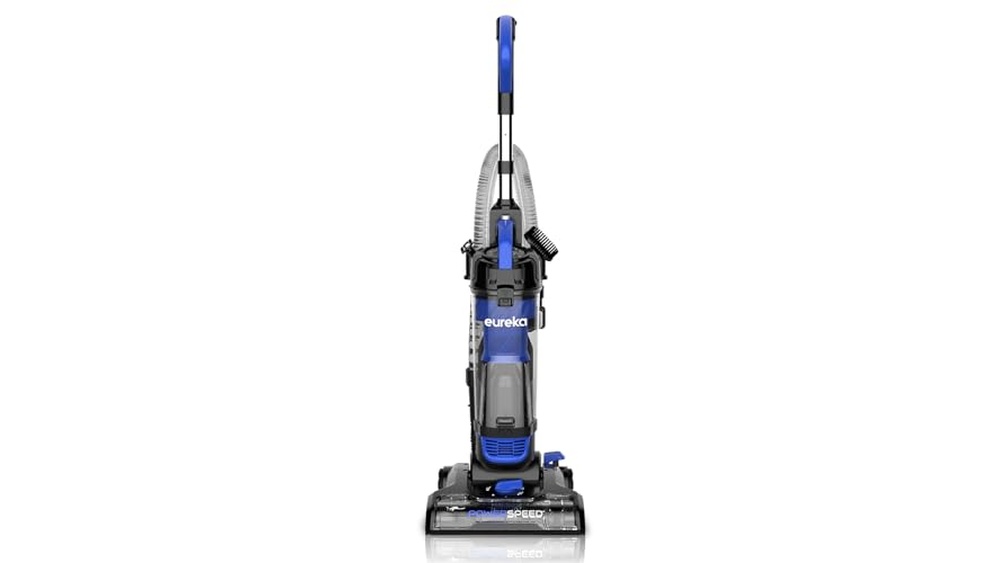
Eureka Lightweight Powerful Upright Vacuum Cleaner: New PowerSpeed Model Review
Eureka Lightweight Powerful Upright Vacuum Cleaner for Carpet and Hard Floor, PowerSpeed, New Model,Blue,black/New Model Brand: Eureka Model: NEU280 PowerSpeed Weight: 11.5 pounds (lightweight design) Suitable Surfaces: Carpet, hard floors, shag rugs Height Settings: 5 adjustable settings for different floor types Filtration: Washable filter with upgraded cyclone technology Dimensions: 44.5 x 13.78 x 13.4…
-
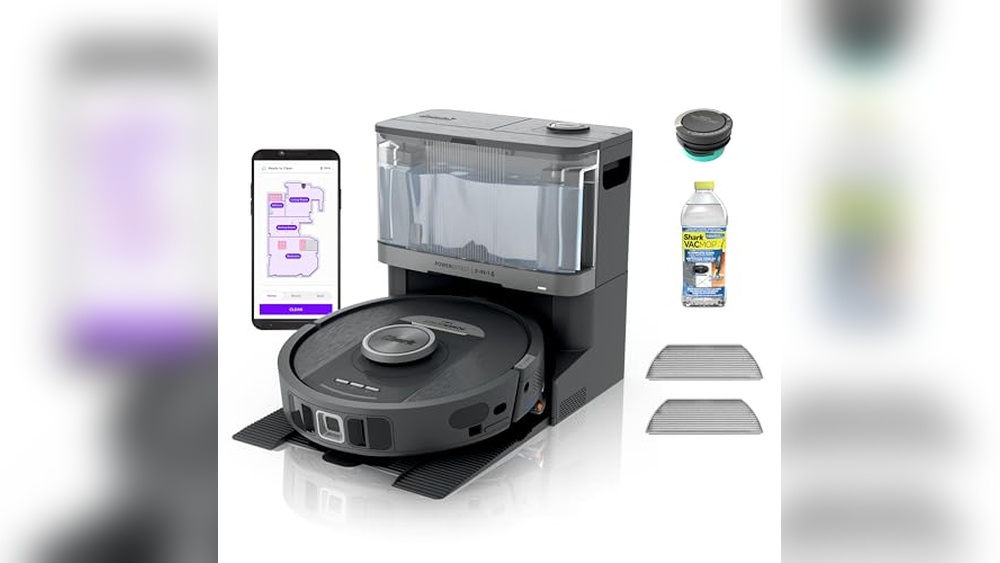
Shark Robot Vacuum & Mop Combo RV2820YE: Ultimate PowerDetect Cleaning Solution
Shark Robot Vacuum & Mop Combo, PowerDetect NeverTouch, Self-Emptying & Self-Refilling, 60-Day Debris Capacity, 30-Day Refill Tank, Pad Dry, 5 Intelligent PowerDetect Cleaning Technologies, RV2820YE Model: RV2820YE Cleaning Modes: Vacuuming & Mopping Combo Debris Bin Capacity: 60-Day Self-Emptying Water Tank Capacity: 30-Day Self-Refilling Pad Maintenance: Automatic Washing & Drying After Every Clean Cleaning Technologies:…
-
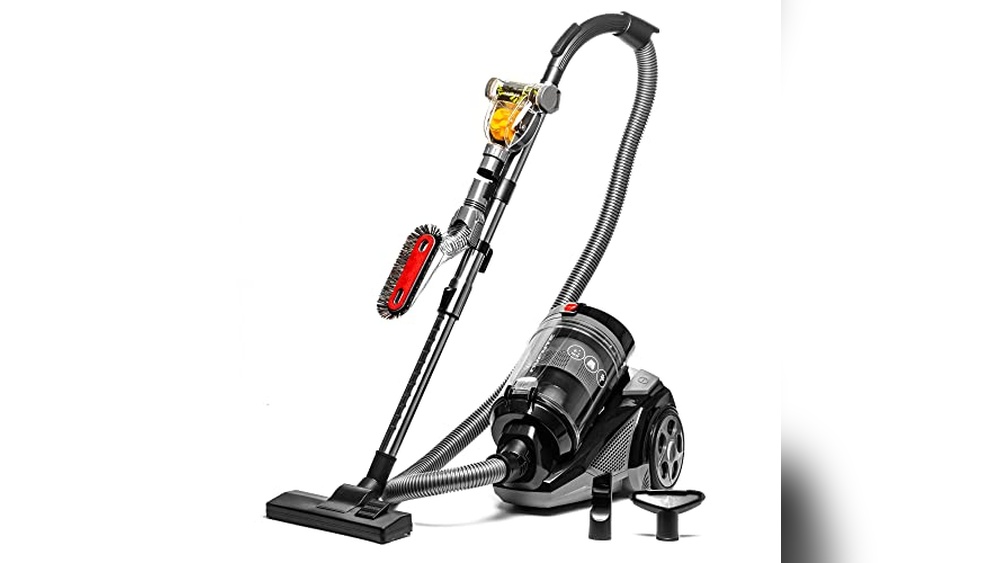
OVENTE Bagless Canister Vacuum Cleaner ST2620B: Powerful, Lightweight Cleaning Solution
OVENTE Bagless Canister Vacuum Cleaner with 3L Dust Cup, Powerful Suction, Telescoping Wand, Retractable Cord and Accessories, 1400W Lightweight Cleaning Machine for Carpet & Hard Floor, Black ST2620B Power: 1400 Watts Dust Cup Capacity: 3 Liters Filtration System: HEPA filter capturing 99.9% of particles down to 0.3 micrometers Weight: 14.5 Pounds Cord Length: 16…
-
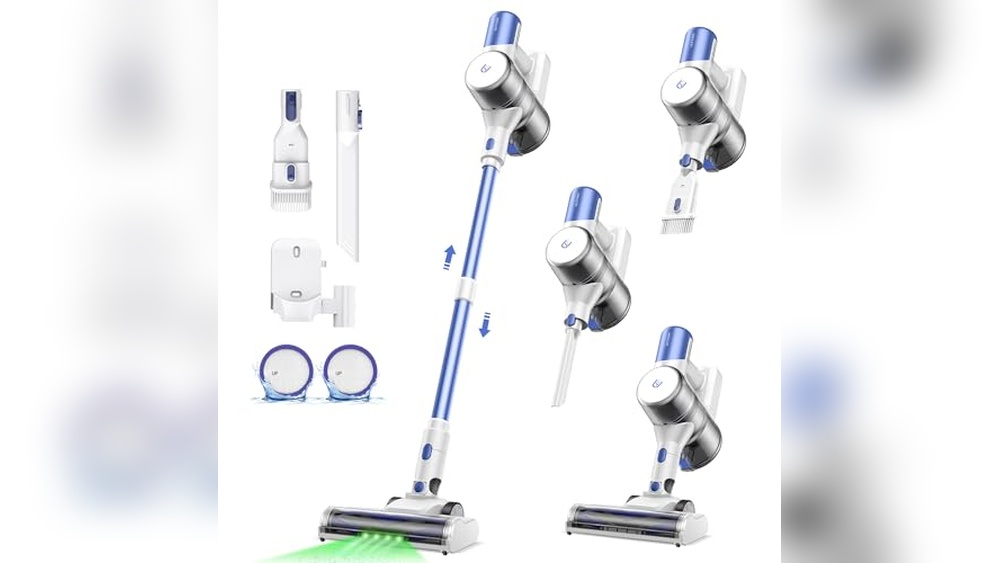
Ultenic U10 Ultra Cordless Stick Vacuum Cleaner: Powerful, Versatile Home Cleaning Solution
Ultenic U10 Ultra Cordless Stick Vacuum Cleaner, 500W Motor, 45KPa Suction, Max 40mins Runtime, Anti-Tangle Brush, 1L Dustbin Capacity, Stick Vacuum for Home, Pet Hair, Hardwood Floors, and Carpets Motor Power: 500W Suction Power: 45KPa Battery Runtime: Up to 40 minutes (low mode) Dustbin Capacity: 1 liter Weight: 4.29 pounds Filtration System: Advanced 5-layer…
-
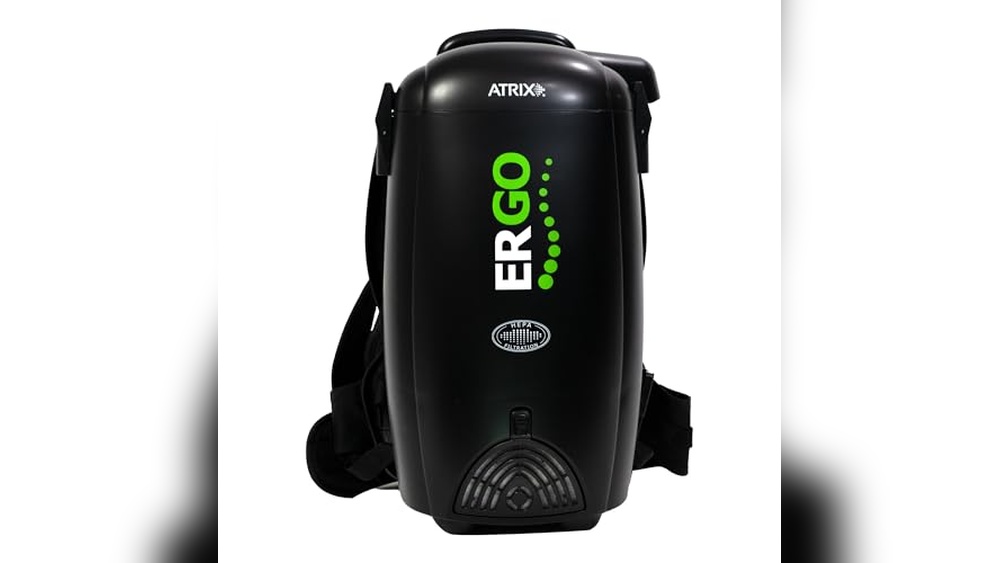
Best-Back-Pack-Vacuum-Cleaners for Powerful and Easy Cleaning Solutions
Backpack vacuum cleaners offer powerful cleaning with easy mobility. They are ideal for tight spaces and long cleaning sessions. Choosing the best backpack vacuum cleaner can save time and effort. These vacuums provide strong suction while keeping your hands free. They work well on carpets, hard floors, and stairs. Models like the Atrix…
-
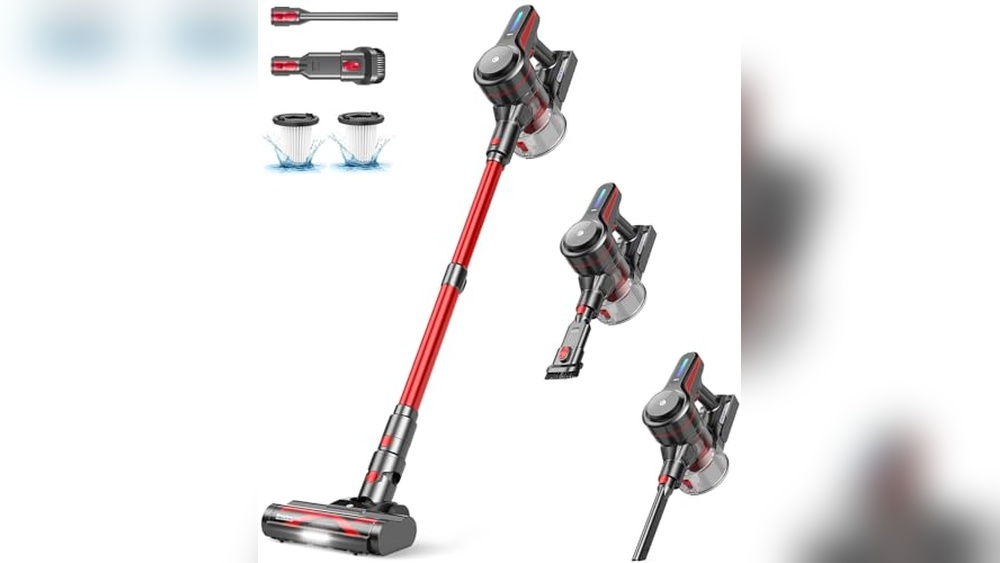
Wood Floor Vacuum Reviews: Top Cordless Cleaners for Pet Hair and Carpets
Choosing the right vacuum for wood floors can be tricky. This review covers top cordless and stick vacuums designed for hardwood care. Wood floors need gentle but effective cleaning tools. Vacuums with strong suction and anti-tangle brushes work best. Lightweight and cordless models make cleaning easy and quick. Many come with features like…
-
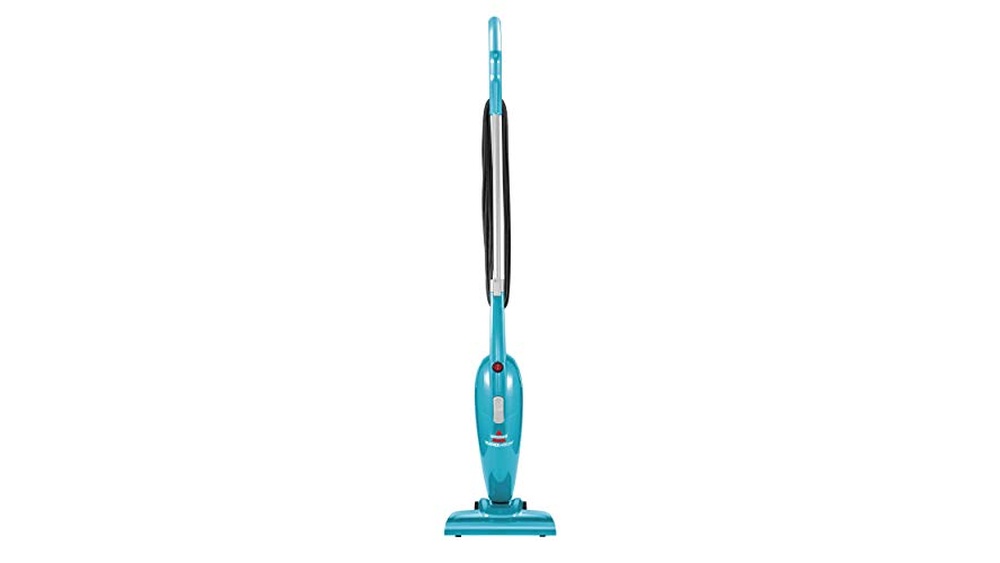
Good Vacuum for Wood Floors: Top Lightweight Models with Powerful Suction
Choosing a good vacuum for wood floors keeps your home clean and protects your floors. Not all vacuums suit hardwood surfaces. Wood floors need gentle care to avoid scratches and damage. A vacuum with strong suction but soft brushes works best. Lightweight and easy-to-move models help clean tight spaces quickly. Features like HEPA…
-
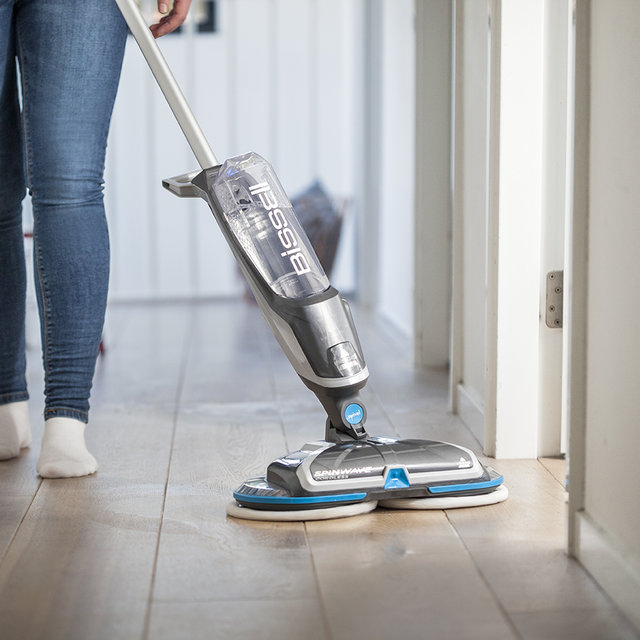
Bissell Wood Floor Vacuum: Ultimate Lightweight Cleaner for Pet Hair Removal
Bissell wood floor vacuums offer effective cleaning for your hard floors. They combine strong suction and easy handling for daily use. Bissell provides several models designed specifically for wood floors and hard surfaces. Each vacuum features tools that reach tight corners and remove dust without scratching. Lightweight designs make cleaning less tiring, while…
-
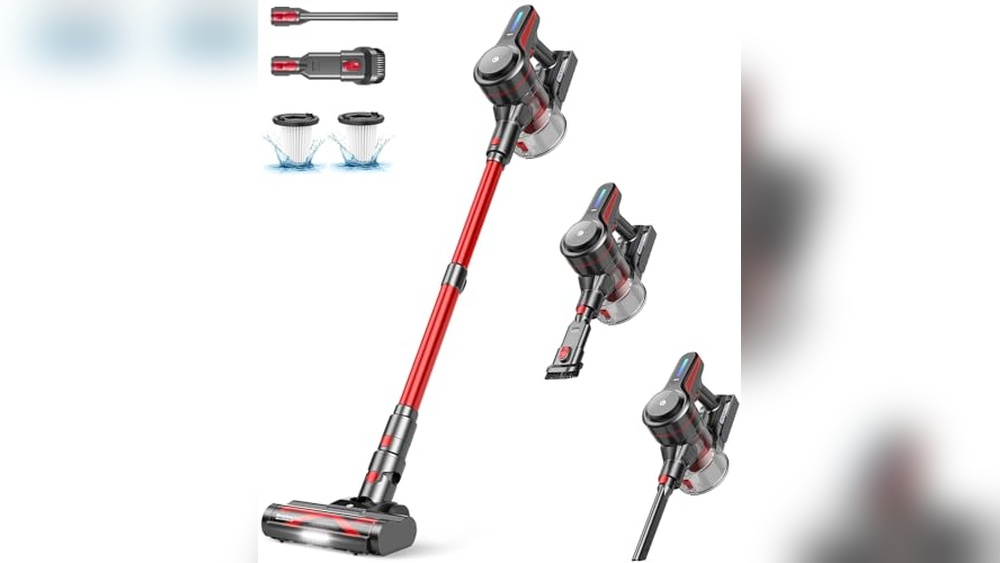
Best Cordless Wood Floor Vacuum for Powerful and Lightweight Cleaning
Choosing the best cordless wood floor vacuum makes cleaning faster and easier. These vacuums combine power, convenience, and lightweight design. Cordless vacuums save time by eliminating cords and plugs. They offer strong suction to pick up dust, pet hair, and debris from hardwood floors. Many models come with extra features like LED lights…
-
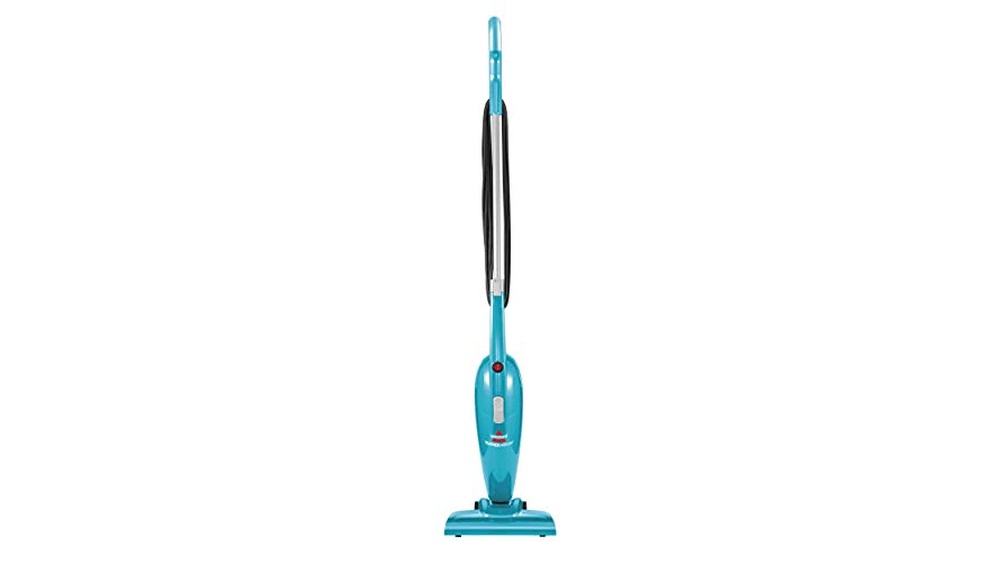
Vacuums for Wood Floors: Top Lightweight and Powerful Picks Reviewed
Choosing the right vacuum for wood floors helps keep your home clean and scratch-free. Not all vacuums work well on hardwood surfaces. Wood floors need gentle yet effective cleaning tools. A vacuum must pick up dust and pet hair without damaging the finish. Many vacuums on the market offer features like strong suction,…
-
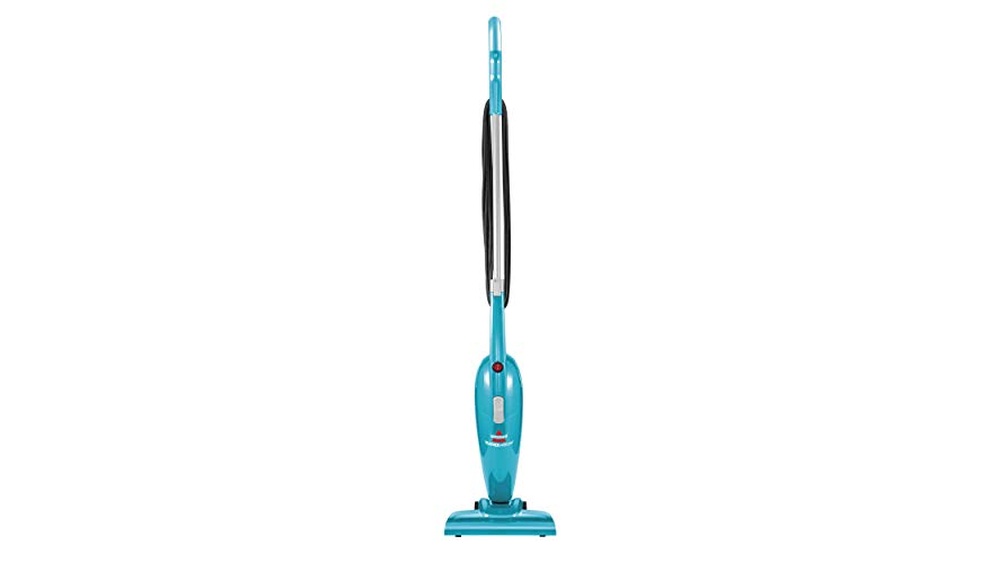
Vacuum Cleaners Wood Floors: Top Lightweight Picks for Powerful Cleaning
Vacuum cleaners designed for wood floors help keep surfaces clean without damage. Choosing the right model ensures effective dirt removal and floor protection. Wood floors need gentle yet thorough cleaning tools. Vacuum cleaners like the Bissell Featherweight Stick and Shark Navigator Lift-Away Deluxe offer powerful suction without scratching. Lightweight and easy to use,…
-
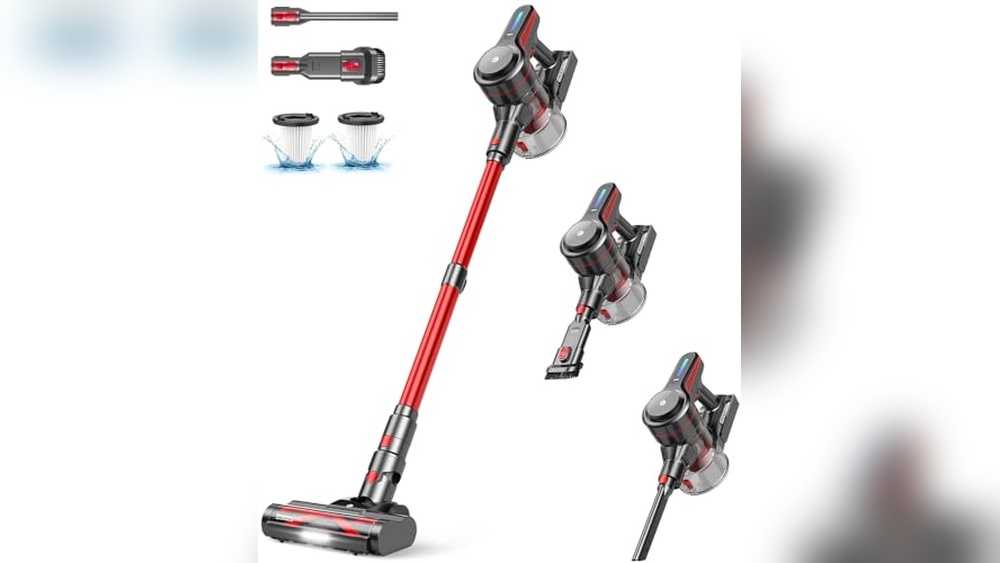
Cordless Wood Floor Vacuum: Powerful, Lightweight, and Versatile Cleaning Solution
Cordless wood floor vacuums make cleaning quick and easy. They offer strong suction without tangled cords or heavy weight. These vacuums are perfect for hardwood floors, carpets, and pet hair. Models like CHEBIO, LEVOIT, and Shark VACMOP combine power and convenience. Most run 35 to 60 minutes, enough for whole-home cleaning. Features include…
-
Best Wood Floor Vacuum Cleaners for Effortless and Deep Cleaning
Choosing the right vacuum cleaner protects your wood floors and keeps them spotless. This guide covers the best wood floor vacuum cleaners available today. Wood floors need gentle yet effective cleaning tools. Not all vacuums suit hardwood surfaces. Some models offer special brushes or settings made for delicate floors. Others combine power with…
-
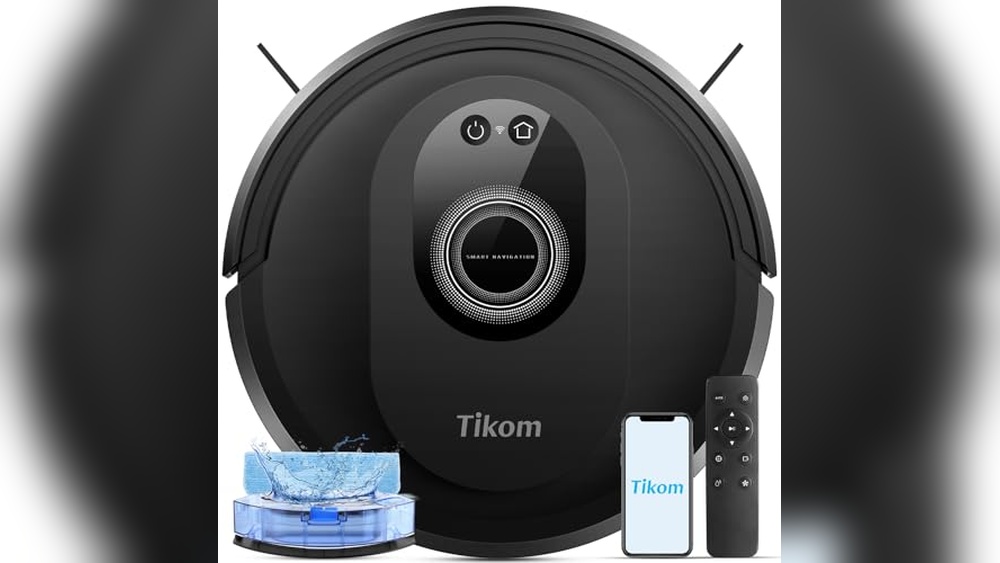
Robot Vacuum Wood Floors: Top Picks for Powerful, Smart Cleaning Solutions
Robot vacuums make cleaning wood floors easier and faster. They work quietly and reach spots hard to clean by hand. Wood floors need gentle care to stay shiny and damage-free. Robot vacuums with strong suction and smart sensors protect your floors while picking up dust, pet hair, and debris. Many models offer mopping…
-
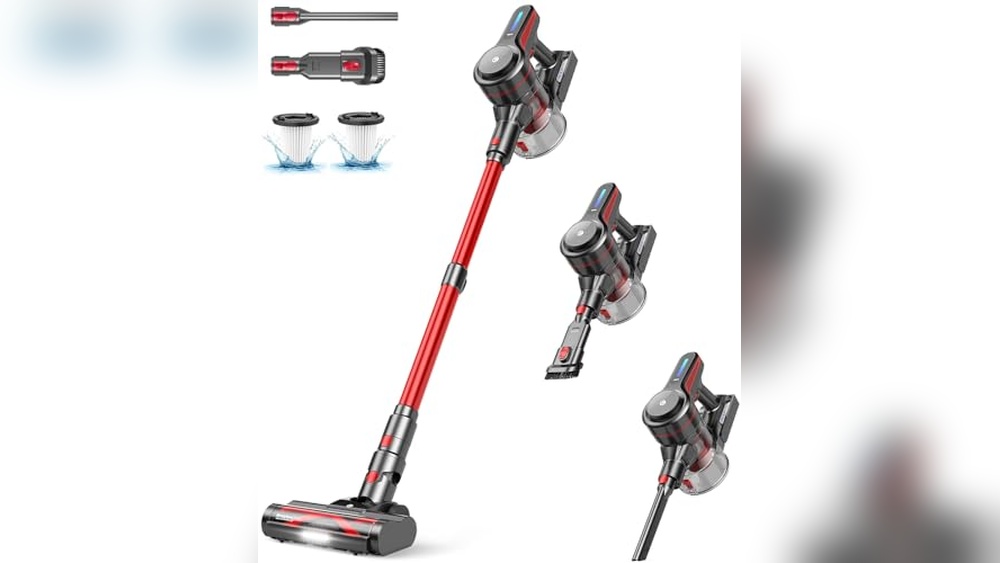
Best Wood Floor Vacuum Reviews: Top Lightweight Cordless Cleaners Compared
Finding the right vacuum for wood floors can be tough. This guide reviews top vacuums that clean well and protect your floors. Wood floors need gentle but effective cleaning tools. A vacuum must remove dust and pet hair without scratching the surface. Cordless models offer easy handling and quick cleaning. Some come with…
-
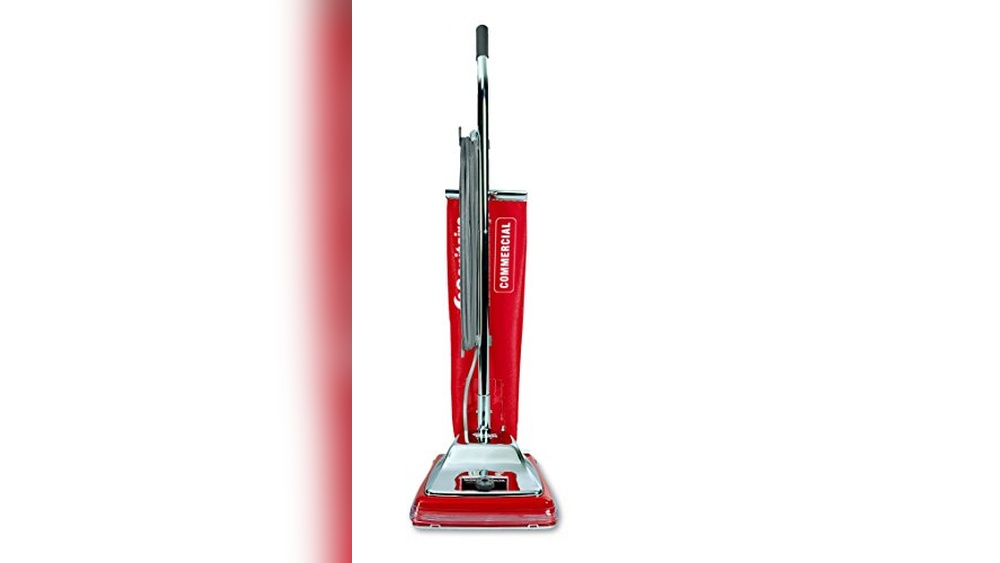
Eureka Commercial Upright Vacuum Cleaner: Powerful, Lightweight Cleaning Solution
The Eureka Commercial Upright Vacuum Cleaner offers strong cleaning power for busy spaces. It handles carpets and hard floors with ease. This vacuum cleaner runs on 7 amps, delivering reliable suction for commercial use. Its lightweight design helps users clean for longer without strain. The PowerSpeed model works well on pet hair and…
-
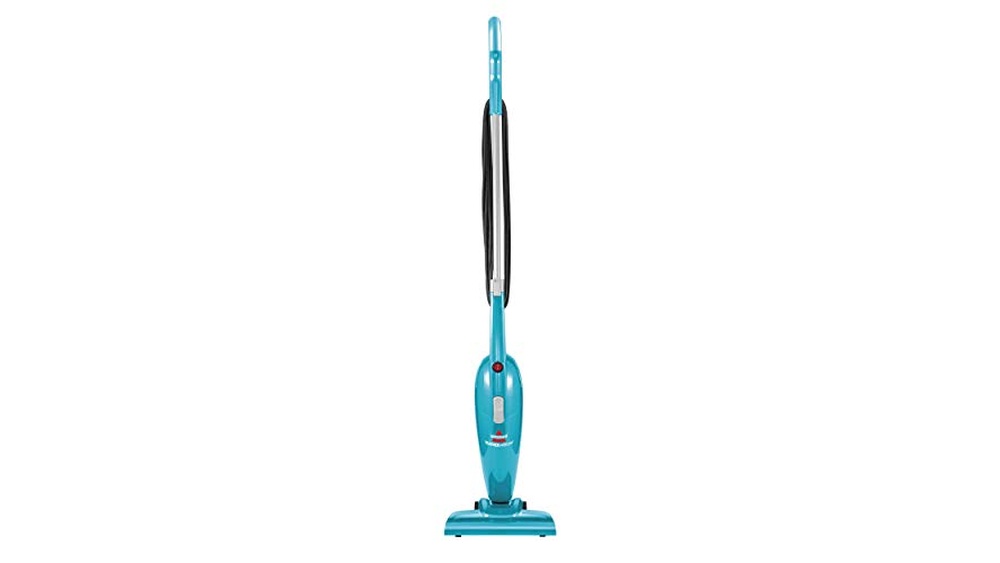
Best Vacuum Wood Floors for Powerful, Lightweight, and Easy Cleaning
Choosing the best vacuum for wood floors can keep your home clean and scratch-free. Not all vacuums work well on hardwood surfaces. Wood floors need gentle yet strong cleaning tools. Using the wrong vacuum may damage the wood or leave dirt behind. This guide covers top vacuums that protect wood floors while removing…