
To clean a Dirt Devil vacuum cleaner, start by unplugging it and removing the dirt collection container. Empty the container and wipe it clean with a damp cloth.
Next, use a small brush or toothbrush to remove any dirt or debris stuck in the brush roll or bristles. Lastly, wipe down the exterior of the vacuum with a damp cloth and allow it to dry before using it again.
Maintaining cleanliness and hygiene is crucial, and a properly functioning vacuum cleaner is an essential tool in achieving this. However, over time, dirt, dust, and debris can accumulate inside the vacuum, hindering its performance. To ensure that your Dirt Devil vacuum cleaner operates optimally, regular cleaning and maintenance are necessary. This article will provide you with a step-by-step guide on how to effectively clean your Dirt Devil vacuum cleaner to keep it in top-notch condition and extend its lifespan. So, let’s dive in and discover the simple yet effective ways to clean your Dirt Devil vacuum cleaner and maintain its efficiency.
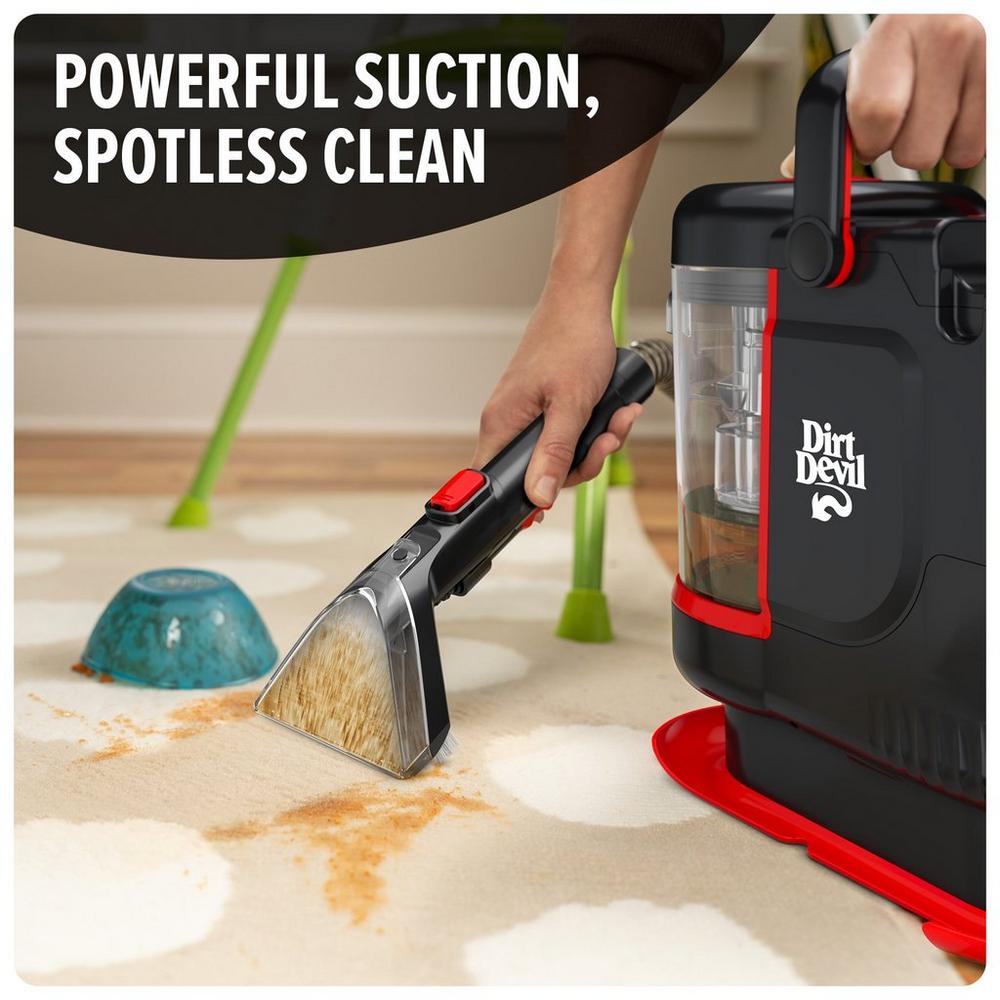
Step-by-step Cleaning Instructions
Learn how to clean your Dirt Devil vacuum cleaner with our step-by-step instructions. Keep your vacuum in top shape with these easy-to-follow cleaning tips.
Keeping your Dirt Devil vacuum cleaner clean is essential for maintaining its optimal performance and prolonging its lifespan. Regular cleaning of the dust container, filter, brushroll, and attachments ensures that your vacuum performs efficiently and effectively. In this step-by-step guide, we will walk you through the process of cleaning your Dirt Devil vacuum cleaner to help keep it in top condition for years to come.
Emptying The Dust Container
Removing any dirt or debris from the dust container is the first step in cleaning your Dirt Devil vacuum cleaner. Follow these simple steps to empty the dust container:
- Locate the dust container on your Dirt Devil vacuum cleaner.
- Press the release latch or button to unlock the dust container.
- Hold the dust container over a trash bin and gently remove it from the vacuum.
- Open the lid of the dust container and dispose of the collected dirt and debris.
- Close the lid securely and reattach the dust container to the vacuum.
Cleaning The Filter
Regularly cleaning the filter of your Dirt Devil vacuum cleaner helps maintain suction power and prevents clogs. Follow these steps to clean the filter:
- Locate the filter compartment on your Dirt Devil vacuum cleaner.
- Open the compartment and remove the filter.
- Gently tap the filter against a trash bin to remove loose dirt and debris.
- Rinse the filter under running water until it is clean.
- Allow the filter to air dry completely before placing it back into the filter compartment.
Removing Clogs
If you notice a decrease in suction power, there may be a clog in your Dirt Devil vacuum cleaner. Follow these steps to remove any clogs:
- Turn off and unplug your Dirt Devil vacuum cleaner.
- Inspect the hose, wand, and brushroll for any visible clogs.
- Use a straightened coat hanger or a long, flexible brush to carefully remove any debris or blockages.
- Once the clog is cleared, reassemble the components and plug in your vacuum.
Cleaning The Brushroll
Over time, the brushroll of your Dirt Devil vacuum cleaner may become tangled with hair or threads. Cleaning the brushroll regularly helps maintain its performance. Follow these steps to clean the brushroll:
- Turn off and unplug your Dirt Devil vacuum cleaner.
- Lay the vacuum cleaner on its back to expose the brushroll.
- Use scissors or a seam ripper to carefully cut away any tangled hair or threads from the brushroll.
- Remove the debris from the brushroll and dispose of it in a trash bin.
- Rotate the brushroll manually to ensure it moves freely and doesn’t have any remaining debris.
Cleaning The Attachments
The attachments of your Dirt Devil vacuum cleaner also need cleaning to maintain their efficiency. Follow these steps to clean the attachments:
- Remove each attachment from its designated area on the vacuum cleaner.
- Wipe the attachments with a damp cloth or rinse them with water if necessary.
- Dry the attachments thoroughly before attaching them back onto the vacuum cleaner.
Regular cleaning of your Dirt Devil vacuum cleaner using these step-by-step instructions will help ensure optimal performance and longevity. Remember to consult your vacuum cleaner’s manual for specific cleaning recommendations and precautions. Keep your vacuum cleaner clean, and it will continue to keep your home clean for years to come.
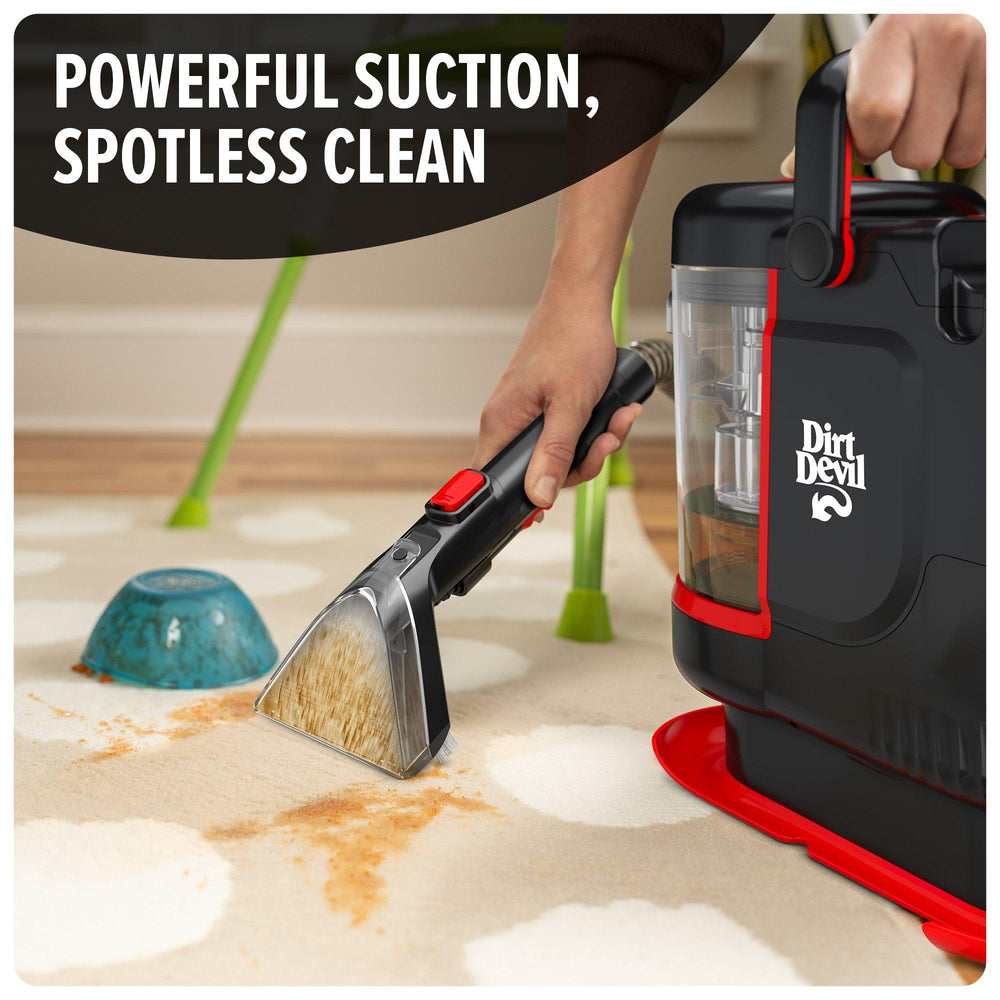
Maintaining Your Dirt Devil Vacuum Cleaner
To maintain your Dirt Devil vacuum cleaner, regularly clean the filter and brush roll to ensure optimal performance. Use a soft brush to remove debris from the filter and cut any tangled hair or fibers from the brush roll using scissors.
Wipe the exterior with a damp cloth and empty the dirt cup after each use to keep the vacuum clean and efficient.
Maintaining Your Dirt Devil Vacuum Cleaner Regularly Empty the Dust Container To keep your Dirt Devil Vacuum Cleaner running at its best, it’s essential to empty the dust container regularly. Simply locate the dust container, which is usually located in the front or back of the vacuum. Press the release button and hold it down while you pull the container out. Dispose of the collected dirt and debris into a trash bag or bin. Once empty, reinsert the dust container back into the vacuum until you hear a click. Regularly emptying the dust container prevents suction loss and ensures optimal performance. Replace and Clean the Filter The filter is another critical component of your Dirt Devil Vacuum Cleaner that should be maintained regularly. To clean the filter, begin by removing it from the vacuum. Rinse it under running water to remove any built-up dirt and debris. Make sure to let the filter dry completely before reinstalling it. Depending on your model, the filter may need to be replaced periodically. Check the instruction manual or the Dirt Devil website to find the appropriate replacement filter for your specific model. Check for Clogs A common issue that can affect your Dirt Devil Vacuum Cleaner’s performance is clogs. If you notice a decrease in suction or unusual noise, it’s essential to check for clogs. Start by turning off the vacuum and unplugging it. Inspect the hose, attachments, and the brushroll area for any blockages. Use a flashlight if necessary to spot any hard-to-reach clogs. If you find any blockages, carefully remove them using a long, thin object like a broom handle or a wire hanger. Remember to avoid using sharp objects that could damage the vacuum. Inspect and Clean the Brushroll The brushroll in your Dirt Devil Vacuum Cleaner plays a vital role in picking up dirt and debris from your floors. Over time, it can become clogged with hair, string, or other debris, which can impact its performance. To clean the brushroll, start by unplugging the vacuum and turning it over. Locate the brushroll, which is typically located on the underside of the vacuum. Remove any visible debris by hand or using scissors. If necessary, use a pair of needle-nose pliers to remove stubborn debris. Once cleaned, ensure that the brushroll spins freely before returning the vacuum to its upright position. Store Your Vacuum Properly Proper storage is essential to keep your Dirt Devil Vacuum Cleaner in good condition and ready for use. After each cleaning session, make sure to store the vacuum in a dry, indoor area away from moisture and extreme temperatures. If your vacuum has accessories or attachments, store them in a designated compartment or bag to prevent loss or damage. Additionally, always wrap the power cord around the vacuum’s cord hooks to prevent tangles and prolong its lifespan. By following these simple maintenance steps, you can ensure that your Dirt Devil Vacuum Cleaner continues to perform optimally for years to come. Regularly emptying the dust container, cleaning or replacing the filter, checking for clogs, inspecting and cleaning the brushroll, and storing your vacuum properly will help keep it in top shape. Don’t neglect the importance of routine maintenance—it will pay off in the long run by keeping your vacuum efficient and effective.

Frequently Asked Questions For How To Clean Dirt Devil Vacuum Cleaner
How Do I Clean My Dirt Devil Vacuum?
To clean your Dirt Devil vacuum, first, unplug the device. Then remove the dirt cup and empty it. Clean the filter by tapping it over a trash can. Use a brush to clean the beater brush and check for any clogs in the hose or attachment tools.
Reassemble the vacuum and it’s ready to use!
Can Dirt Devil Vacuum Filters Be Washed?
Yes, dirt devil vacuum filters can be washed.
How Do You Deep Clean A Vacuum?
To deep clean a vacuum, follow these steps: 1. Start by unplugging the vacuum. 2. Remove the dust bag or empty the dustbin. 3. Clean the filter by rinsing or replacing it. 4. Use a brush or toothpick to remove debris from the brush roll.
5. Wipe down the exterior with a damp cloth.
How Do You Remove A Dirt Devil Canister?
To remove a Dirt Devil canister, follow these simple steps. First, unplug the vacuum for safety. Then, locate the release button or lever on the canister. Press or slide it to disengage the canister from the vacuum base. Finally, lift the canister off the base and empty it as needed.
Conclusion
To maintain the efficiency of your Dirt Devil vacuum cleaner, regular cleaning is essential. By following these simple steps, you can keep your vacuum in top-notch condition. Remember to empty the dirt cup, clean the brush roll and filter, and regularly inspect for clogs.
A clean vacuum not only ensures effective cleaning but also extends the lifespan of your appliance. So, make sure to incorporate regular maintenance into your cleaning routine and enjoy a dirt-free home!