
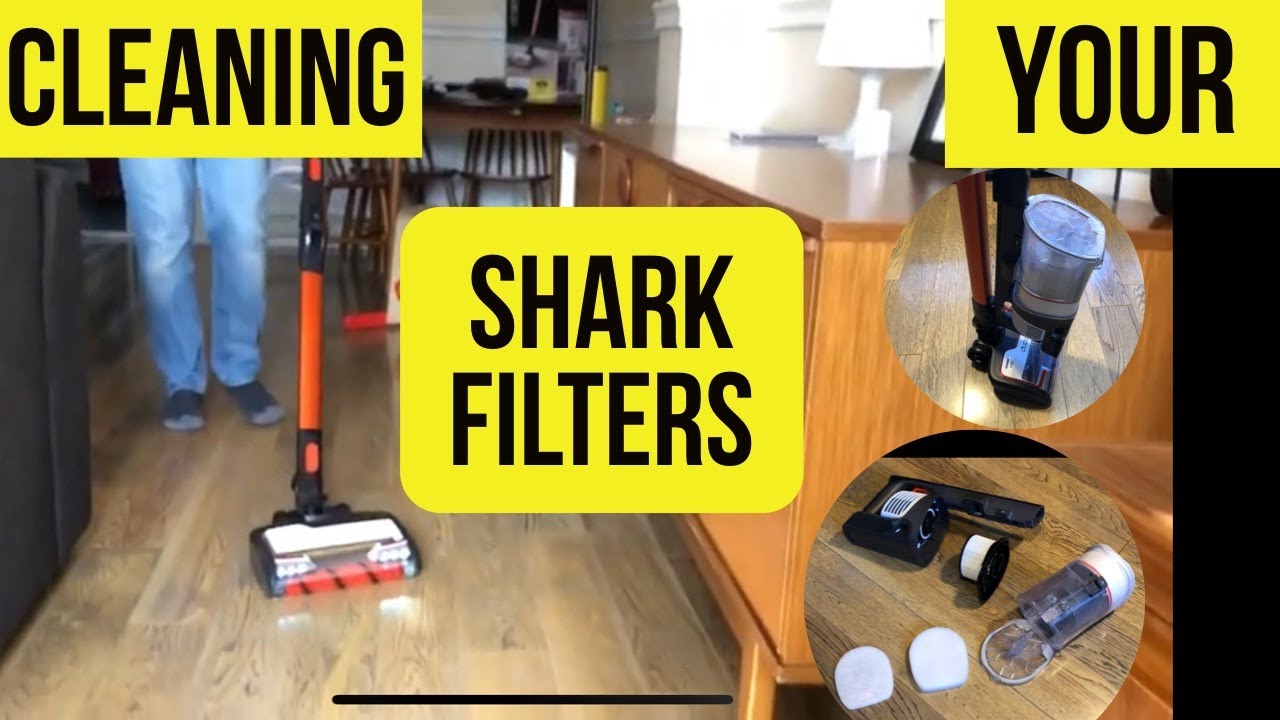
Keeping your Shark cordless vacuum clean is very important. One key part is the filter. The filter helps catch dust and dirt. But, if it is dirty, the vacuum will not work well. In this guide, you will learn how to clean the Shark cordless vacuum filter step by step.
Why Clean the Filter?
The filter collects dust and tiny particles. Over time, it gets clogged. A dirty filter can cause problems:
- The vacuum loses power.
- It may overheat.
- The dust can go back into the air.
- The vacuum might stop working.
Cleaning the filter keeps the vacuum working well. It also helps keep your home clean.
When to Clean the Shark Vacuum Filter
You should clean the filter every 1 to 3 months. If you use the vacuum a lot, clean it more often. Also, clean the filter if the vacuum feels weak or makes strange sounds.
What You Need
Before you start, get these items ready:
- Clean water (tap water is fine)
- A bowl or sink
- A soft cloth or towel
- Your Shark cordless vacuum

Step-by-Step Guide to Clean the Shark Cordless Vacuum Filter
Step 1: Turn Off And Unplug
Make sure the vacuum is off. Remove the battery if it is removable. This is for safety.
Step 2: Remove The Filter
Find the filter on your vacuum. Usually, it is near the dust cup or inside the dust bin. Open the dust bin and take out the filter gently.
Step 3: Tap Off Loose Dust
Take the filter outside or over a trash bin. Tap it gently to remove loose dust and dirt. Do this carefully so you don’t damage the filter.
Step 4: Wash The Filter
Rinse the filter under cold or lukewarm water. Do not use soap or cleaning chemicals. Water alone is enough to clean it.
Keep rinsing until the water runs clear. This means the dirt is gone.
Step 5: Dry The Filter
Shake off extra water. Then, place the filter in a dry place. Let it air dry for at least 24 hours. Do not use a dryer or put it in the sun. Heat can damage the filter.
Step 6: Reinstall The Filter
Once the filter is completely dry, put it back in the vacuum. Make sure it fits properly. Close the dust bin securely.
Step 7: Test The Vacuum
Turn on the vacuum and check if it works well. The suction should feel strong again.
Tips to Keep Your Shark Vacuum Filter Clean
- Clean the filter regularly, as explained above.
- Do not clean the filter with soap or detergent.
- Always dry the filter completely before using it.
- Empty the dust bin after every use to avoid clogging.
- Store the vacuum in a dry place.
Common Mistakes to Avoid
Cleaning the filter is easy. But some mistakes can cause damage:
- Do not wash the filter with hot water.
- Never use a brush or sharp tool to clean the filter.
- Do not put the filter in a dryer or microwave.
- Do not use the vacuum without the filter.
- Do not wait too long to clean the filter.
How a Clean Filter Helps Your Vacuum
A clean filter helps the vacuum in many ways:
- Better suction power.
- Longer battery life.
- Cleaner air in your home.
- Less chance of breakdown.
- More efficient cleaning.
Frequently Asked Questions
How Often Should I Clean My Shark Cordless Vacuum Filter?
Clean the filter every 1 to 3 months to keep your vacuum working well.
Can I Wash The Shark Vacuum Filter With Water?
Yes, rinse the filter gently under cold water only. Let it dry fully before use.
How Long Does It Take For The Filter To Dry?
It usually takes 24 hours to air dry completely.
What Happens If I Don’t Clean The Vacuum Filter?
A dirty filter lowers suction power and may damage the vacuum motor.
Conclusion
Cleaning the Shark cordless vacuum filter is simple. It takes a few steps and some time. But it keeps your vacuum working well. It also helps keep your home clean and fresh.
Remember to clean the filter every few months. Always let it dry before putting it back. Avoid common mistakes. Follow the steps carefully. Your vacuum will last longer and work better.
Take care of your vacuum. It will take care of your home.